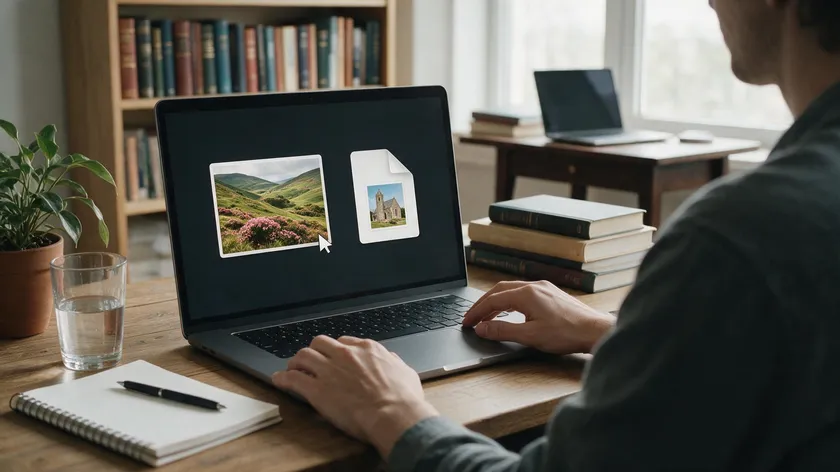
JPEG and PDF serve fundamentally different purposes. JPEG is an image format built for photographs, while PDF is a document format designed for exchanging documents reliably. This practical guide breaks down the core differences so you can decide which format fits your situation.
Table of Contents
What Is a JPEG File?
JPEG stands for Joint Photographic Experts Group, the committee that standardized this image file format in the early 1990s. It quickly became the default format for digital cameras, phones, and web browsers and remains so today.
As an image format, JPEG is optimized for continuous-tone graphics like photographs, color gradients, and natural scenes. It stores image data as a fixed grid of pixels (a raster image), which makes it excellent for photos but poor for sharp edges, line art, or text screenshots.
JPEG uses lossy compression to shrink file size. The process relies on a discrete cosine transform that breaks each image into 8×8 pixel blocks, discards some color and detail data, then reassembles the result. That discarded data is permanently discarded and cannot be recovered.
Re-saving a JPEG file multiple times compounds the quality loss, introducing artifacts like blur, banding, and blockiness.
Typical use cases include social media posts, blog images, email attachments, product photos, and everyday digital images where a good balance of image quality and smaller file size matters. Common extensions are .jpg and .jpeg—they’re the same file type.
JPEG files open in virtually every image viewer, web browser, and editor, from basic phone galleries to professional design software.
On the technical side, standard JPEG supports 24-bit color depth (about 16.7 million colors across 8 bits per RGB channel) and EXIF metadata such as camera make, GPS location, and orientation. It does not support transparency or multiple pages.
What Is a PDF File?
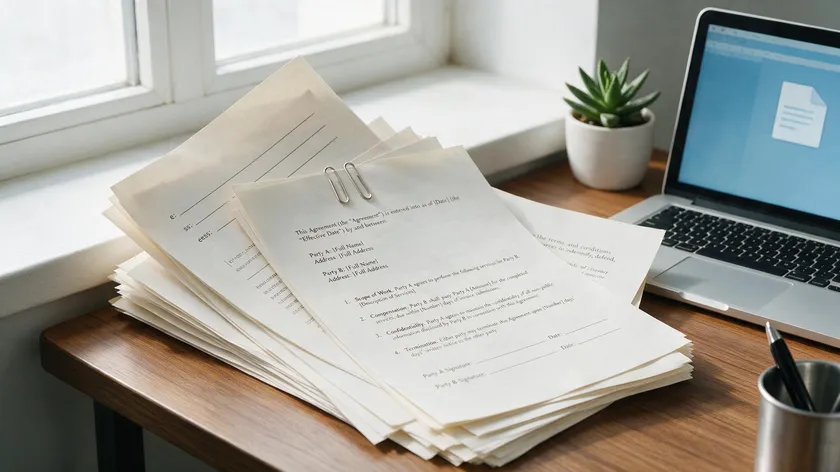
PDF stands for Portable Document Format, created by Adobe in 1993 and later standardized as ISO 32000. It was built to display documents consistently on any device or operating system, regardless of the software used to create them.
Unlike JPEG, PDF is a container file format. A single PDF file can hold text, JPEG images, PNG files, vector graphics, annotations, digital signatures, and multiple pages—all bundled together. PDF files can include text, images, and interactive elements like fillable forms, hyperlinks, and bookmarks.
PDFs preserve formatting and quality across devices. Fonts, margins, page numbers, columns, and color profiles all render exactly as intended, making PDF the go-to format for contracts, reports, eBooks, invoices, resumes, and presentations.
PDF files preserve original image quality and layout across devices because the format embeds everything needed to reproduce the document.
A PDF can be static (like a printed page) or interactive, with form fields and digital signatures. That flexibility goes far beyond what any single image file can offer.
Inside a PDF, images can be stored using lossy compression (like JPEG) or lossless compression (like ZIP/Flate). PDF can contain both lossy and lossless images, and the visible quality depends on how the PDF is exported, not on the container itself.
Modern web browsers, operating systems, and free readers all open PDF files. Most print shops prefer PDF for high-quality printing because of its predictable output.
JPEG vs PDF: Core Differences at a Glance
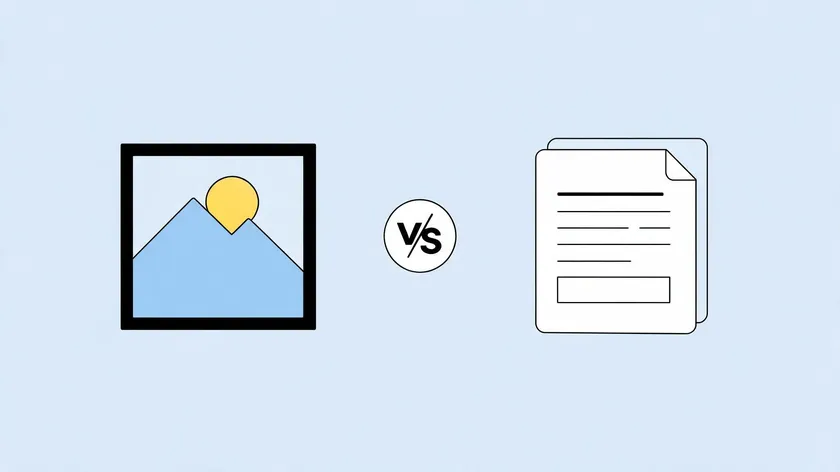
The JPEG vs. PDF difference comes down to structure. One is a single image file; the other is a multi-object document container. Here’s how they compare across the key differences that matter most.
| Feature | JPEG | PDF |
|---|
| Primary use | Single image (photos, web graphics) | Documents (text, images, forms) |
| Supports text | Text is pixels only—not searchable | True characters—searchable, selectable |
| Multi-page | No—one image per file | Yes—hundreds of pages in one file |
| Compression | Lossy only | Lossy, lossless, or mixed |
| Transparency | No | Yes (via vector graphics or embedded PNG) |
| Interactive elements | None | Forms, links, digital signatures |
| Typical file size | 0.5–5 MB per photo | Varies widely—100 KB to tens of MB |
JPEG supports only single images, while PDFs can contain multiple pages. Text in a JPEG is not inherently searchable and requires OCR for extraction. PDFs allow text selection and editing with the right PDF tools.
JPEG relies on lossy compression only, whereas PDFs can mix several compression types depending on whether the content is photos, vector graphics, or scanned text. JPEG files are generally smaller than PDF files due to compression, but PDF files can be larger due to their complex content structure.
Image Quality, Color Depth, and File Size
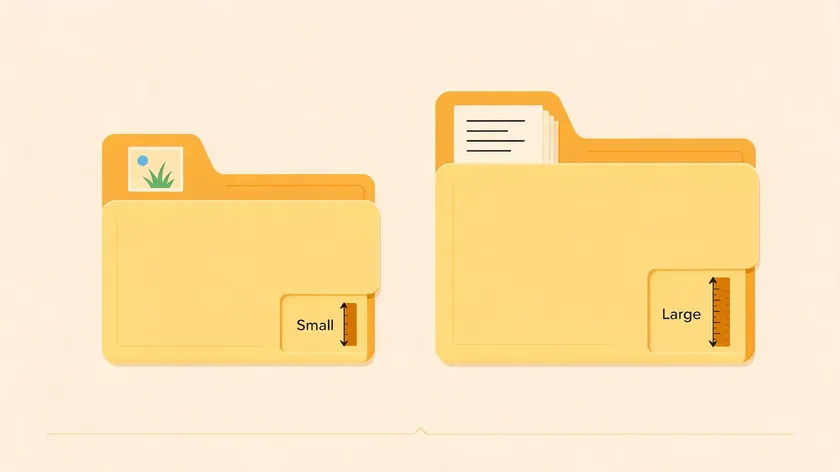
The main trade-off when choosing between these formats is image quality versus file size.
JPEG’s 24-bit color depth handles most digital images well, but quality degrades as compression increases. JPEG compression can lead to artifacts like blur and blockiness, especially around sharp text and graphics. Editing JPEGs reduces image quality with each save because lossy compression is reapplied every time.
A PDF itself doesn’t have a fixed color depth. It can embed 24-bit JPEGs, higher-bit images, or vector graphics that stay sharp at any zoom level. PDFs preserve layout and quality during editing, which is why professional photographers and designers rely on them for color-critical work.
For concrete numbers: a 4000×3000 JPEG photo at 80% quality might land around 2–5 MB. The same image embedded in a PDF at 300 dpi for print could push 10–15 MB unless downsampled.
PDF files can become large with many high-resolution images, but export settings let you control compression without re-saving the original JPEGs.
For web use, a single JPEG is usually lighter and faster. For professional printing, a properly prepared PDF delivers more predictable results.
How JPEG and PDF Handle Text, Layout, and Multi‑Page Documents
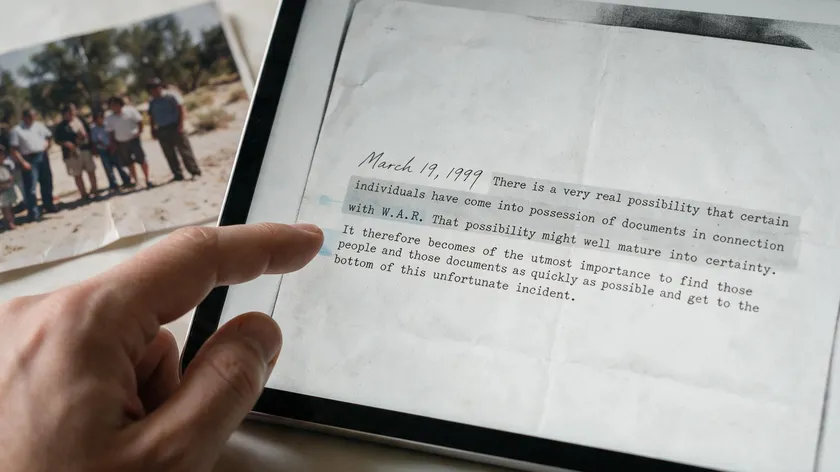
The biggest practical difference between these formats is how they handle text and page structure.
A JPEG treats everything—text, diagrams, background—as a single flat image layer. JPEGs compress all content into a single layer. Text in JPEGs is not selectable or editable; enlarging it reveals pixelation and softened edges. There’s no concept of paragraphs, headings, or links.
PDFs store text as characters with embedded fonts and styles, enabling search, copy-and-paste, highlighting, and accessibility tagging. JPEG treats text as pixels, making it unsearchable and hard to edit, while PDF keeps text as logical objects that assistive technologies can navigate.
PDF supports multiple pages, unlike JPEG. An entire eBook, annual report, or portfolio fits into one file. With JPEG, each page becomes a separate image file, forcing you to juggle dozens of files for a single project.
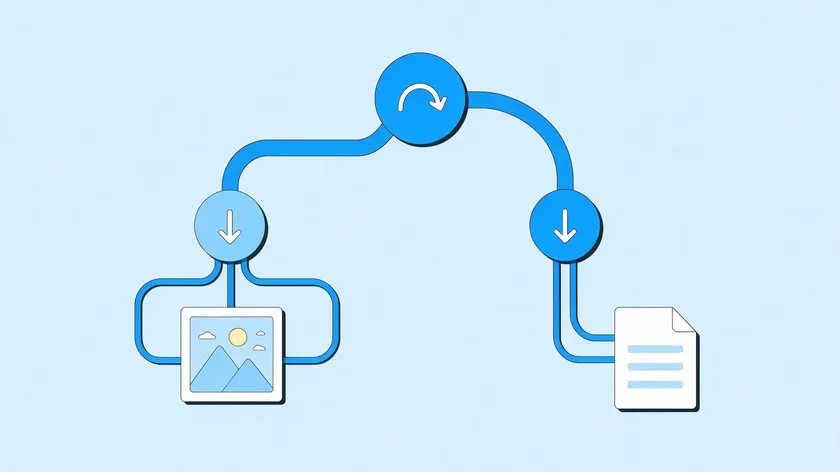
Scanners and mobile scanning apps typically start from JPEG or PNG images but export to a multi-page PDF so the result behaves like a coherent document rather than a folder of loose images.
When to Use JPEG vs When to Use PDF
Here’s a quick decision guide based on what you’re actually trying to do.
Best for JPEG
- Photography portfolios displayed on websites
- Social media platforms where fast loading matters
- Product images on e-commerce sites
- Quick email previews or thumbnails
- Large image libraries where smaller file size keeps storage costs down
- Web graphics viewed on mobile devices
JPEG is ideal for web uploads and social media. JPEGs are easier to share due to their smaller size, and JPEG is universally compatible, opening on most devices without special software.
Best for PDF
- Contracts, invoices, and forms that need consistent formatting
- Resumes and academic papers
- eBooks and multi-page reports
- Brochures and print-ready marketing materials
- Any document requiring searchable text or digital signatures
PDF is preferred for printing due to quality preservation. PDF is excellent for documents with text and images, and it handles different devices without layout shifts.
For edge cases like a one-page flyer, JPEG works fine for screen-only use, while PDF is safer for professional printing with consistent margins and fonts. Both formats can coexist: capture photos as JPEGs, then embed them into a PDF template for final delivery.
Should You Convert JPEG to PDF (or PDF to JPEG)?
The goal here is helping you decide whether conversion makes sense—not walking through device-specific steps.
Reasons to Convert JPEG to PDF
Converting makes sense when you need to combine multiple images into a single file, add searchable text or annotations, lock in page order, or prepare digital images for print. A PDF wraps everything into one organized document.
However, converting JPEG to PDF does not restore lost image data. The image quality inside the PDF will never be better than the original JPEG. The PDF preserves existing quality but cannot undo artifacts from high compression.
Reasons to Convert PDF to JPEG
You might convert PDF to JPEG when you need a standalone image for a website banner, social media teaser, or email thumbnail. A single image file is sometimes more convenient than a full document.
Keep in mind that converting a text-heavy PDF page to JPEG turns all that searchable text into pixels, losing selectability and potentially introducing blur at low resolutions.
For readers who decide PDF is the right choice for their images, the dedicated How to Save a picture as a PDF guide covers specific steps for every device.
Professional image editors handle detailed image work, while our online PDF conversion tools let you fine-tune export quality right in the browser—no advanced software needed for most everyday conversions.
Working With JPEG and PDF in Real Workflows
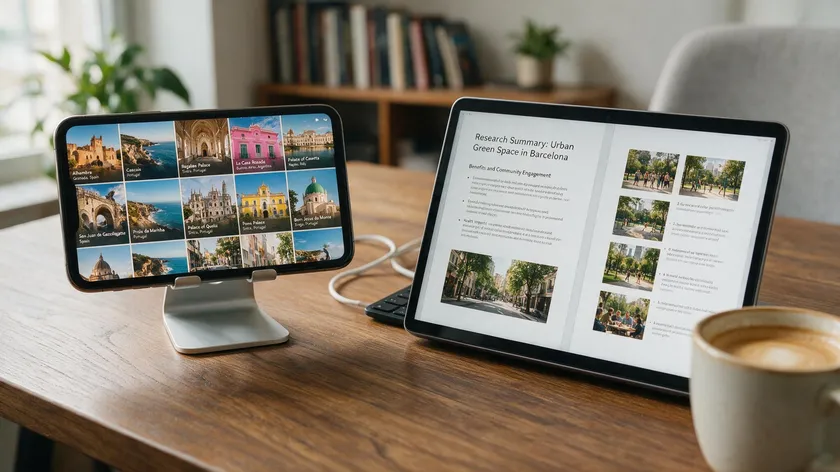
JPEG and PDF files often appear together in everyday workflows. Understanding each file format’s strengths keeps file sizes reasonable, preserves original quality where it matters, and avoids unnecessary re-exporting.
A Photography Workflow
A photographer captures in JPEG (or RAW), edits selections in an image editor, and then lays out the final picks in a PDF portfolio for clients. The PDF ensures consistent viewing across different devices and provides a polished, downloadable package—far better than emailing dozens of loose image files.
A Business Workflow
A small business owner snaps photos of receipts and whiteboard notes as JPEGs on a phone throughout the month. At month’s end, those images get compiled into a single PDF report for accounting. One file replaces a chaotic folder of images, and annotations or a text summary can be added directly.
A Design and Marketing Workflow
Social media graphics get exported as JPEG for fast loading on social media platforms. Brochures, price lists, and one-pagers get exported as PDFs for email attachments and high-quality printing with consistent fonts and transparent backgrounds preserved through vector graphics.
Once you know which format fits which step, you can rely on specialized conversion tools to bridge the gap in just a few clicks whenever you need to go from JPEG to PDF or back.
Key Takeaways
- JPEG is an image file format optimized for photographs and smaller file sizes through lossy compression, while PDF is a document file format built to preserve layout, text, and graphics across devices.
- JPEG files are generally smaller than PDF files, making them ideal for web use, social media, and quick sharing of individual digital images. PDF handles structured documents, multi-page content, and professional print jobs.
- JPEG uses lossy compression with a fixed 24-bit color depth—efficient but not suited for repeated editing or text-heavy content. PDFs can embed various image types and keep text searchable and selectable.
- Converting JPEG to PDF does not improve image quality but does improve organization, accessibility, and print-readiness, especially when combining multiple images into a single document.
- The best choice depends on the task: a lightweight image for web or social media means JPEG; a polished, consistent document with higher-quality output means PDF. Readers who decide PDF is the right choice can follow the dedicated pillar guide and device-specific tutorials in this cluster instead of repeating those steps here.
Ready to convert? Explore the full suite of online PDF conversion tools to move between JPEG and PDF formats in just a few clicks.
FAQs
Is JPEG or PDF better for high-quality printing?
For professional printing of documents, brochures, and photo books, PDF is usually the preferred file format. It preserves layout, embedded fonts, and high-resolution images together, ensuring consistent results on different printers.
High-quality JPEGs work for single photos or small prints, but large posters, magazines, and multi-page projects benefit from a print-ready PDF exported at 300 dpi or higher with appropriate color settings.
Does converting JPEG to PDF reduce image quality?
Simply wrapping a JPEG inside a PDF does not inherently reduce image quality. The JPEG’s original resolution and compression level are preserved as long as the conversion tool doesn’t downsample or recompress the image.
Quality may drop only if you intentionally apply stronger compression or lower resolution when exporting or optimizing the PDF to reduce file size.
Can I edit text in a JPEG like I can in a PDF?
No. Text in a JPEG is part of the pixel grid and cannot be selected or edited as characters. Changing it requires image-editing software to paint over the old text and add new text layers manually. In PDF files, text is stored as characters, making it possible to search, select, copy, and modify the text without altering surrounding images.
The Tagged Image File Format and Portable Network Graphics formats also store image data differently but share JPEG’s limitation of not supporting editable text natively.
For a single photo or screenshot, a JPEG file is typically smaller because it uses aggressive lossy compression specialized for photos—often achieving 10:1 ratios with minimal visible degradation.
When you have many pages or a mix of text and images, a well-optimized PDF can be more efficient than dozens of separate JPEG files, since fonts, vector elements, and compressed images all pack into one document that takes up less space overall.
Are JPEG and PDF both suitable for archiving documents?
JPEG can serve as a source image from digital cameras or scanners, but PDFs are generally better for long-term archival. PDF supports standardized archival formats like PDF/A, which require embedded fonts, color profiles, and lossless quality preservation.
A structured PDF keeps multi-page documents together, preserves searchable text, and ensures that more data remains accessible decades from now. Converting source JPEGs into a structured PDF makes future retrieval, searching, and printing far easier.